
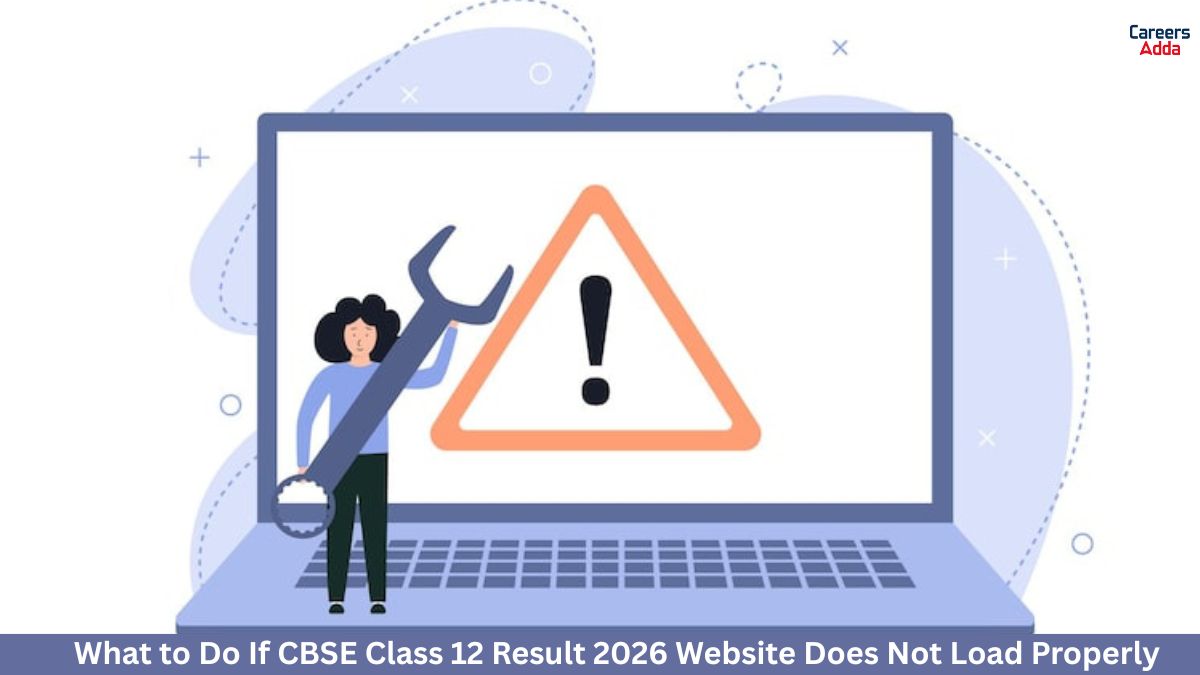
If the CBSE Class 12 Result 2026 website is not loading properly, do not panic. This is a common problem on result day when many students try to open the site at the same time. In most cases, the issue is temporary and gets fixed quickly. You can also try a few simple steps and alternative methods to check your CBSE Class 12 result online.
Reasons Why CBSE Class 12 Result 2026 Website Doesnt Load Properly
The CBSE Class 12 Result 2026 website may not load because of very high traffic when lakhs of students check their marks together. Sometimes the server becomes slow, the page takes too long to open, or it may show an error. Poor internet connection, outdated browser settings, or cached data can also stop the CBSE result website from working properly. In some cases, the result link is active but the page opens slowly due to heavy demand.
Common Fixes If the CBSE Result Website Is Not Opening
If the CBSE result website is not opening, first refresh the page and wait for a few minutes before trying again. Switch to a different browser, clear cache and cookies, or open the result page in incognito mode for a smoother experience. You should also check your internet connection and try using mobile data if Wi-Fi is slow. If the official website is still down, use alternative platforms like DigiLocker or UMANG to check your CBSE Class 12 Result 2026.
How to Check CBSE Class 12 Result 2026 Online
Students can check the CBSE Class 12 Result 2026 online through the official result website and other digital platforms. Keep your login details ready so you can access your result quickly without any confusion.
- Visit the official CBSE result website.
- Click on the CBSE Class 12 Result 2026 link.
- Enter your roll number, school number, admit card ID, and security pin if asked.
- Submit the details carefully.
- Your CBSE 12th Result 2026 will appear on the screen.
- Download the result and keep a printout or screenshot for future use.
- If the website is slow, check your marks through DigiLocker or UMANG.
Details You Need to Check Your CBSE 12th Result 2026
Before checking your CBSE 12th Result 2026, make sure you have the required details with you. Entering the correct information is important to open your result without delay.
- Roll number
- School number
- Admit card ID
- Date of birth, if required
- Security pin or captcha code shown on the screen
- Stable internet connection
- Mobile phone or laptop to access the result page
What to Do If Your CBSE Class 12 Result Is Not Displayed
If your CBSE Class 12 result is not displayed, first check whether you entered the correct roll number, school number, and admit card ID. Refresh the page and try again after a few minutes because the website may be slow due to heavy traffic. You can also check the result through DigiLocker or UMANG if the main website is not working. If the problem continues for a long time, contact your school authorities and ask them to help you verify your result details. Do not trust fake websites or unofficial links while checking your CBSE 12th result online.




 CUET Accountancy Preparation Plan 2026: ...
 Download CUET UG Agriculture Previous Ye...
 CUET UG Business Studies Important Quest...








 Call
Call 




