
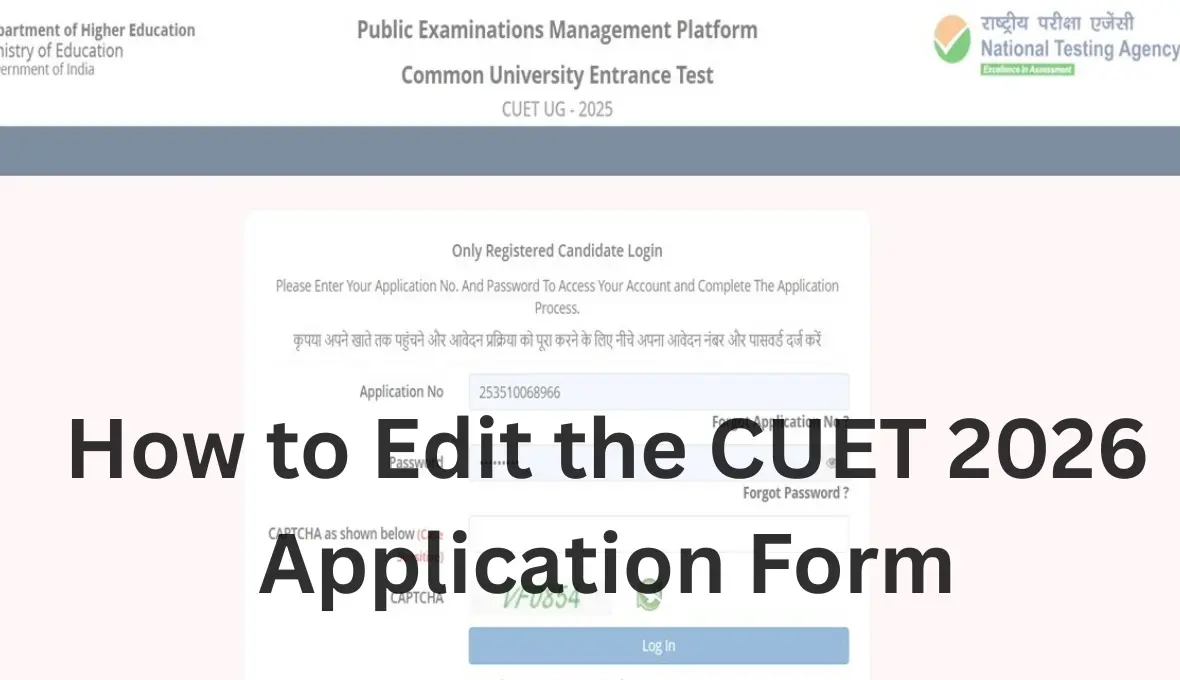
Filling out the CUET application form is the first step toward the CUET journey. The CUET gives access to getting admission in the central, state, and private universities. NTA regulates the online application process for the CUET exam. During the online application process, many students made mistakes, like spelling errors, incorrect categories, wrong exam cities, etc. NTA opens the window for error correction just after the last date of submission of the application. This correction window allows the candidates to edit some specific details.
How Can I Edit the CUET Application Form After Final Submission
Editing the CUET application form after final submission is possible when NTA opens the correction window. The correction process must be completed within the official correction period. To correct, you should be updated with the official announcement. You can change any errors and try to ensure all information is correct before closing the correction window.
| Particulars | Details |
| Exam | CUET UG |
| Exam Conducting Body | National Testing Agency (NTA) |
| Online Application Process Starts | 3rd Week of February (Tentative) |
| CUET online Application Last date | Last week of March (Tentative) |
| Last date of the fee payment | Last week of March (Tentative) |
| Correction Window opening date | 1st week of April (Tentative) |
| Correction Window closing date | 2nd week of April (Tentative) |
How Can I Make a Change in the CUET Form
The CUET gives an option to the candidates to correct their information. Students can change their information at one time only. To access the correction portal, you should log in with your credentials through your registered email ID or application number. You can’t edit some parts of the application form, like mobile number, email ID, permanent and correspondence address. Apart from this information, you can change all information, like all personal information and educational details.

Steps to Edit CUET Application Form
NTA opens the correction window just after the compilation of the application process. When the correction window is open, candidates can log in to change the errors, but you can’t change all the information, and changes are allowed only for a limited time. Here is step-by-step information for changing the errors.
Step 1: Go to the official website https://cuet.nta.nic.in/
Step 2: Log in using your credentials, like application number and email address.
Step 3: Click on the edit/correction button.
Step 4: Change the field permitted by NTA.
Step 5: Pay the additional fee.
Step 6: Review all the details and click on the final submit button.
Step 7: Download the updated confirmation page. This is proof of correction.
CUET 2026 Application Form Correction
The NTA gives access to the correction of those candidates who have already applied for this exam. You can change the information when the correction window is open, but once the correction window closes, you can’t change any errors. The correction window will open in the 1st week of April for the CUET application form. Some personal information you may change. The CUET 206 application form gives a limited-time opportunity to the candidates to edit and modify certain details. You have the option to ensure that your details are correct before the final submission of the application.
Who can make changes to the CUET 2026 application form?
Every candidate who completes the application process and submits the application fee can make a change in their application after final submission, when the correction window will open.
- Successfully registered candidates for the CUET 2026
- Submitted the application form
- Paid the application fee.
 CBSE Class 10 Social Science Question Pa...
 CUET PG Admit Card 2026 Out, डाउà¤...
 MHT CET 2026 Correction Window (Live), E...









 Call
Call 




